Step 8: Start and Configure SAS Data Loader for Hadoop
Follow these steps to
start and configure SAS Data Loader for Hadoop:
-
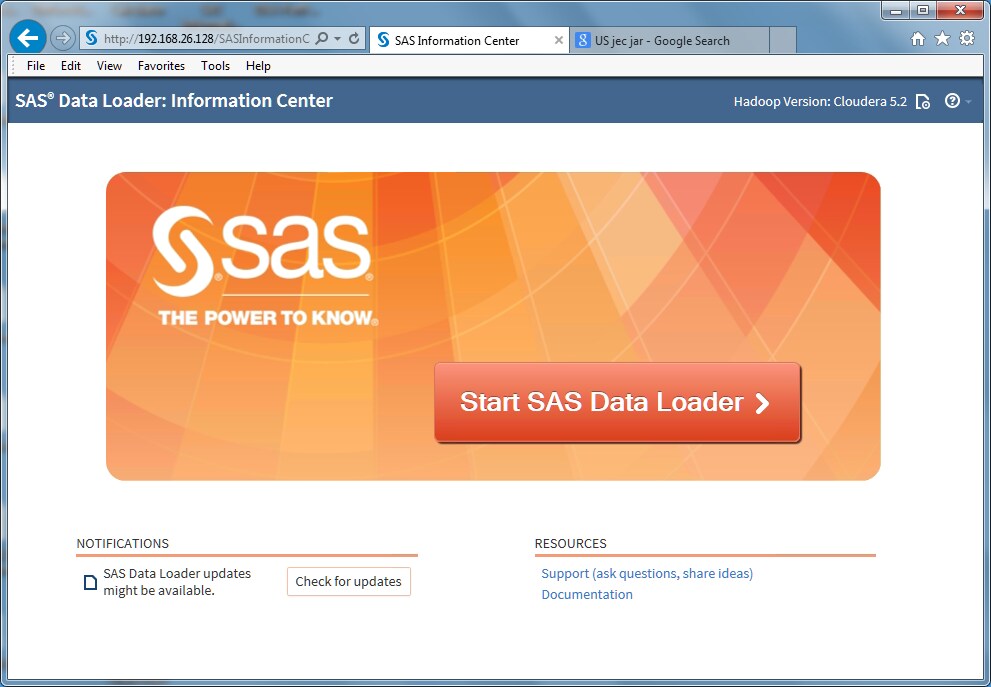
Open the SAS Data Loader for Hadoop: Information Center if it is not already open.
-
Note: When starting SAS Data Loader for Hadoop, if an error occurs stating that VT-x or AMD-v is not available, see Troubleshoot the vApp Start Process in SAS Data Loader for Hadoop: User's Guide.
-
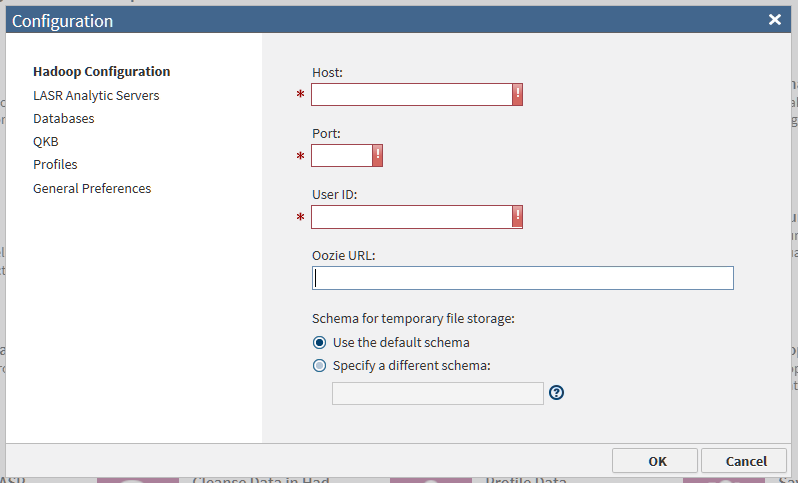
If you intend to use the directive Load Data to LASR (to copy data to an existing grid of SAS LASR Analytic Servers), then click LASR Analytic Servers. For additional steps, see Load Data to LASR in SAS Data Loader for Hadoop: User's Guide.
-
At this point you can configure connections to the databases that you will use to copy data to and from Hadoop. To configure database connections now, see Install JDBC Drivers and Add Database Connections in SAS Data Loader for Hadoop: User's Guide.
-
To configure the processing of profile jobs, click Profiles and see Configure Profile Jobs in SAS Data Loader for Hadoop: User's Guide. Profile jobs report on the structure and quality of the data in one or more Hadoop tables.
To configure general
preferences, see
Step 9: Set General Preferences.
Copyright © SAS Institute Inc. All rights reserved.