As an alternative to
the one-step save-and-deploy feature, you can deploy a custom theme
that has already been saved. The result is identical to the one-step
approach.
-
From
the main menu of the SAS Theme Designer 4.4 for Flex, select
Tools Deploy
.
-
In the
Deploy
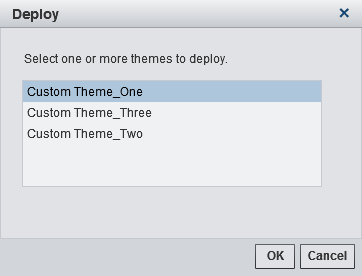
Theme window, select the theme. Note that the predefined
themes are not listed because they are always deployed.
Click
OK.
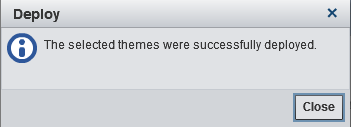
A confirmation window is displayed.
The theme is now available
for use with other functions in the
File and
Tool menus.
Tip
Deploying a theme makes the
most-recently saved version of the theme available to end users. If
you modify a custom theme, be sure to save the changes before deploying
the theme.