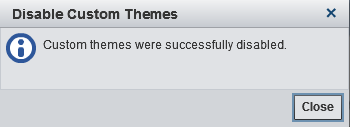
Disable All Custom Themes
In the initial configuration, custom themes are disabled (because no custom themes
exist). When you create your first custom theme, custom themes are automatically enabled.
In the unusual circumstance
in which you need to disable all custom themes, globally, complete
the following steps:

Copyright © SAS Institute Inc. All rights reserved.