Change the Default Theme for Users
In the initial configuration, the SAS Corporate theme is the default theme. A user can select a different, personal default theme from
the preferences area in any eligible application. For that user, the personal default
theme selection overrides the default theme. For that user, all applications are displayed
using the selected personal default theme.
An administrator can set a theme other than the SAS Corporate theme as the default
theme. This change affects only
those users who have not already selected a personal default theme. This change does
not make other themes unavailable or prevent a user from selecting a different, personal
default theme.
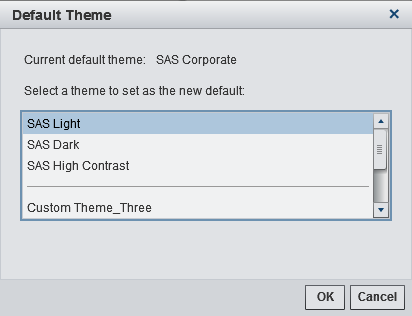
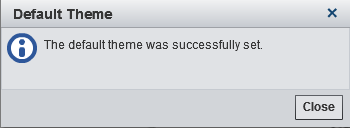
To change the default theme for users:

Copyright © SAS Institute Inc. All rights reserved.