Build Window
The Build window enables you to drop components onto a frame and then to manipulate the layout
and appearance of your application's user interface. Menus provide access to commands that enable you to set component properties, to edit and compile SCL programs, and to access other tools in the development environment. When the Build window opens, it displays an instance of the Frame class (or a subclass of the Frame class). When you save a frame, the contents of the Build window are stored in a FRAME entry of a SAS catalog.
SAS/AF Build Window
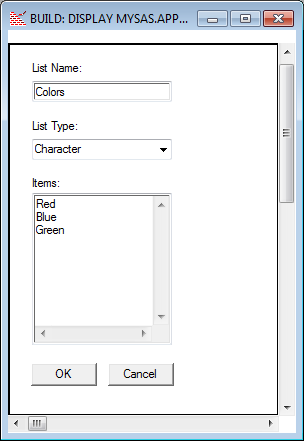
The Build window
displays both horizontal and vertical scroll bars.
The Build window
appears when you open an existing FRAME entry or create a new FRAME
entry. For more information about the Build window,
see “Working with Frames” in the
SAS/AF online Help.
Copyright © SAS Institute Inc. All Rights Reserved.
Last updated: May 27, 2017