What's New in SAS® Mobile BI
SAS Mobile BI for Windows 10
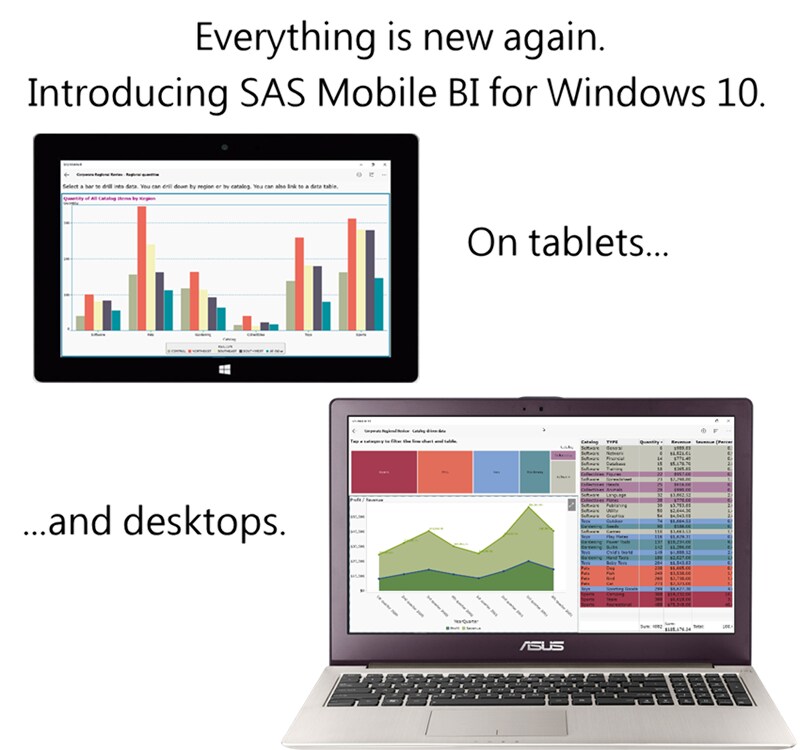
The industry-leading mobile experience for viewing charts and graphs that are created in SAS® Visual Analytics is now available for Windows 10 users. SAS® Mobile BI gives you the power to make decisions anywhere – in the office, in meetings, or on the road.
Reimagined for Windows 10 tablets and desktop systems, the application interface is easy to navigate whether you are using touch gestures on the screen or using input devices such as touchpads and mice.
The application provides a central location where you can download charts and reports from your organization’s servers. Previously downloaded reports can be updated quickly and accurately. You can even work with reports when you are offline.
Newly designed views organize your reports in logical locations, putting the reports literally at your fingertips. Inside a report, you can move quickly between pages, filter and drill into your data, and share information with other users.
Enjoy your new found mobility, Windows 10 users, knowing your reports are there when you need them.
To learn more about SAS Mobile BI for Windows, see the SAS Help Center.