Start
SAS Enterprise Guide and Create a Project for This Tutorial
In these steps you create a new project to store the data and results from
the work that you do in this tutorial.
- If SAS Enterprise Guide is not open, start it now. In the Welcome
window, select New Project.
If
SAS Enterprise Guide is already open,
select File New Project.
If you already had a project open in SAS Enterprise Guide, you might
be prompted to save the project. Select the appropriate
response.
New Project.
If you already had a project open in SAS Enterprise Guide, you might
be prompted to save the project. Select the appropriate
response.
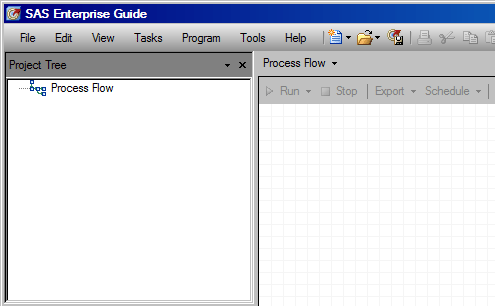
- The
new project opens with an empty Process Flow window.
|