logo Getting Started with SAS Enterprise Guide Main menubacknext
    

Specify a Title and Run the Report

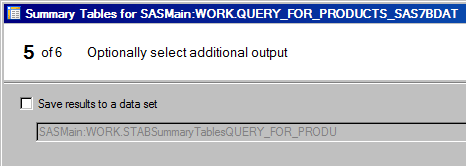
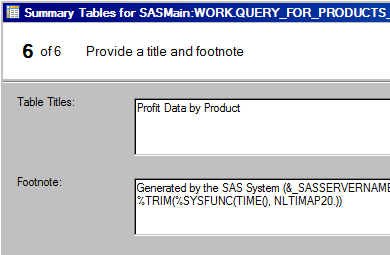
On page 5 of the wizard, you can specify whether you want to save the results to an output data set. Then on page 6 you specify titles for the report.


  1. You don't need to save the results as data, so click Next.

Specify an output table for Summary Tables
Click to view the full window.


  1. In the Table Titles box, type Profit Data by Product.

Specify a title for the Summary Table
Click to view the full window.


Next you run the task and view the report.


Main menubacknext