Viewing Workflow Activities
To view the activities
in your workflow inbox from the SAS Model Manager window, select Tools My Workflow Inbox or click
  .
.
My Workflow Inbox or click .
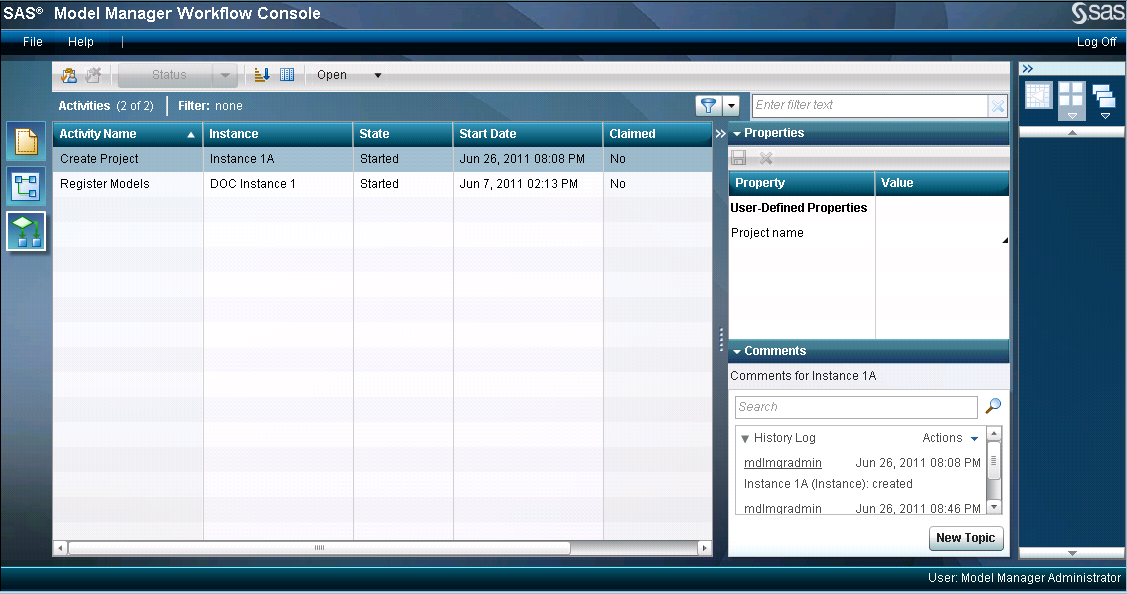
Workflow Console is
launched in a Web browser, and displays the Activities category view.
The list displays only the activities for which you are the actual
owner or are assigned as a potential owner, and that have the state
of
Started. If you are assigned as
a participant with the workflow role of business administrator, you
can see all of the activities that contain that workflow role assignment
and that have the state of Started.
After you claim an activity, you become the actual owner of the activity.