SAS Enterprise Miner with SAS Lockdown Mode
In SAS Enterprise Miner
14.1, the SAS lockdown feature is supported. This function enables
SAS administrators to limit the file and directory access of the SAS
servers, such as the workspace server and stored process server, to
a user-defined list of approved locations. The directories, and all
subdirectories, defined in this list can be accessed by SAS Enterprise
Miner users. Any attempts to access locations outside of these locations
results in access-denied errors.
In order for users to
open existing project or create new projects with lockdown mode enabled,
the directory that houses the projects must be included in the lockdown
path statement or in the file specified by the lockdown file statement.
If the administrator defines a Default Project Location in the SAS
Enterprise Miner SMC plug-ins, that location must be specified in
the lockdown path statement or in the file specified by the lockdown
file statement.
To enable lockdown mode,
a SAS Enterprise Miner administrator needs to make both of the following
configuration changes:
-
In the file
SAS-config-dir\SASApp\sasv9_usermods.cfg, insert the following:-lockdown
-
In the file
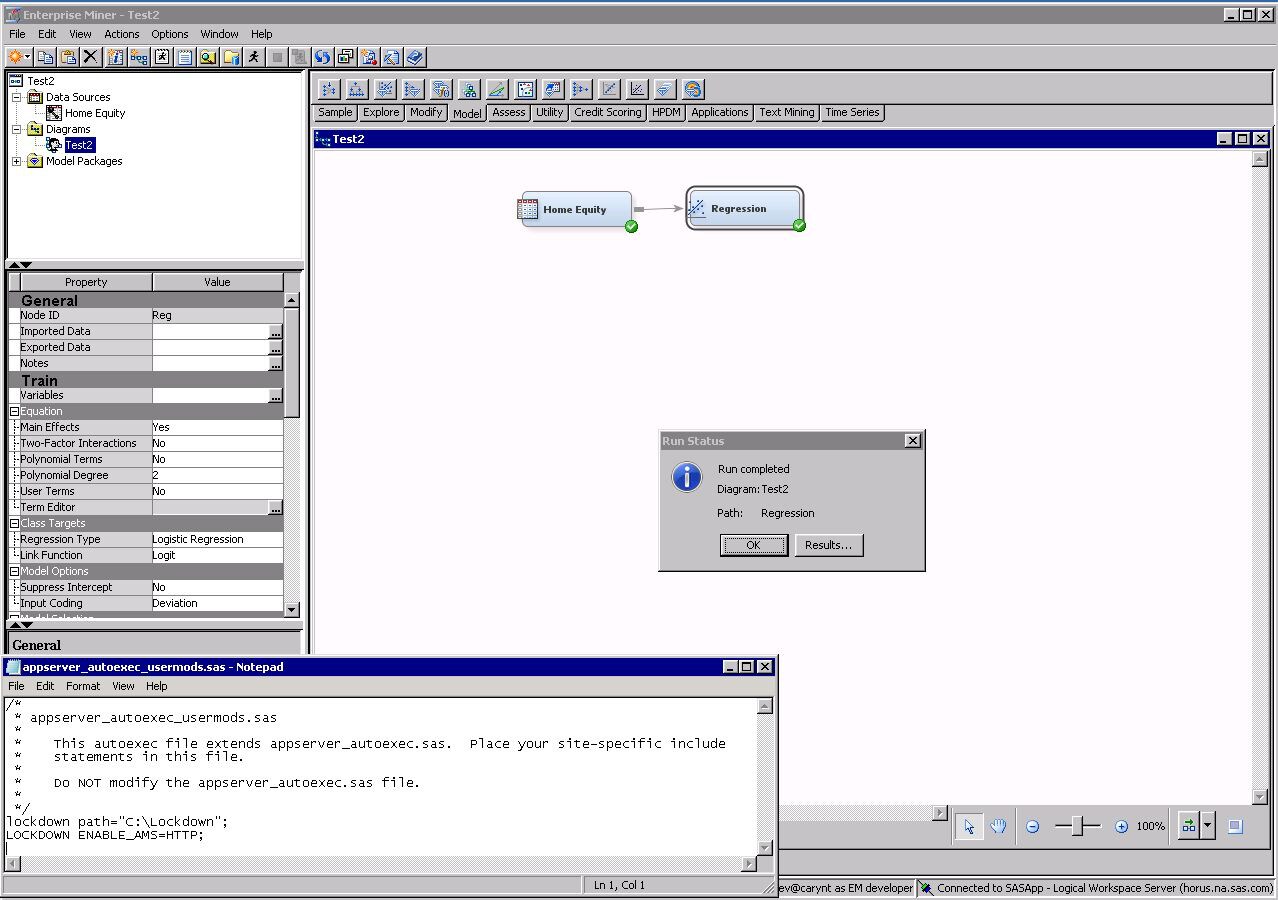
SAS-config-dir\SASApp\appserver_autoexec_usermods.sas, insert the following:lockdown path=”<pathName>”; LOCKDOWN ENABLE_AMS=<access-method>;
Here, <pathName> represents the location that you want users to have access to. Here is an example:lockdown path=”C:\Lockdown”; LOCKDOWN ENABLE_AMS=HTTP;
This code enables users to access only the locationC:\Lockdown.
Because this feature
is an explicit permission granting mechanism, all files that might
be accessed must be explicitly specified in the lockdown path. This
includes the SAS Enterprise Miner project path, SAS start code, and
project start code. Additionally, the path to user’s SSH key
must be specified in the lockdown path when using SAS High-Performance
Data Mining.
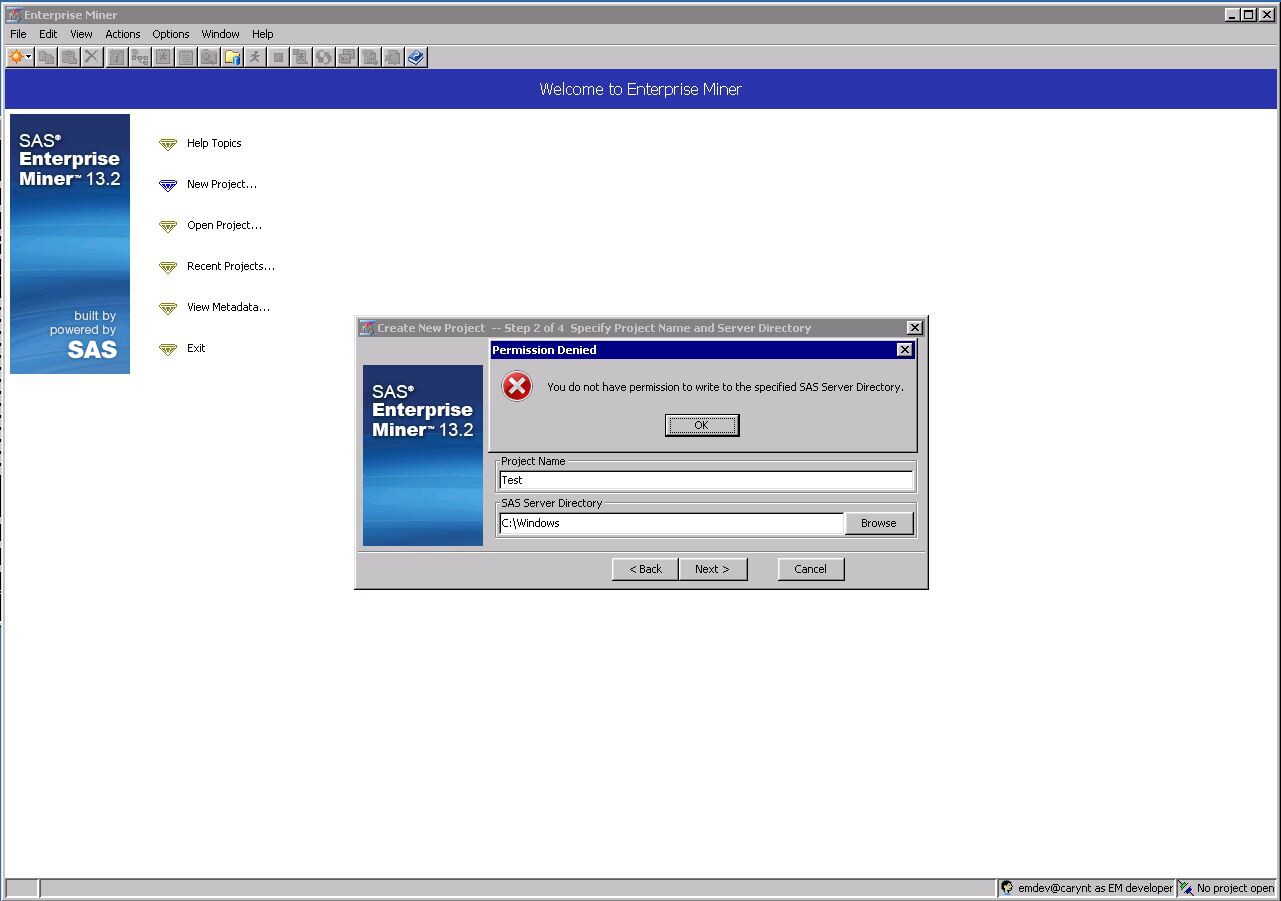
With lockdown mode enabled,
when a user browses to any directory not listed in the PATH statement,
they will receive the following error message:
Because lockdown mode
configuration is handled by the SAS engine, no application service
restarts are necessary.
The lockdown system
option can be used in many other ways, including direct SAS program
execution. For more details, see the SAS 9.4 Intelligence
Platform: Security Administration Guide.
Copyright © SAS Institute Inc. All rights reserved.