New SAP BW Wizard Example: Uploading External File Data to SAP Using InfoPackage Metadata
Overview
This example describes
how to use the New SAP BW wizard to complete
a type of roundtrip process for data. You do this by taking source
data from SAP BW, manipulating it in SAS, and returning it to SAP.
Here are the high-level steps.
-
Extract SAP BW metadata to SAS data sets, as described in Extract SAP BW Metadata Using the Extract from BW Wizard.
-
Use the SAP BW Register Tables wizard to select the data sources that you want to use in SAS Data Integration Studio and write metadata about those data sources to your metadata repository.
-
Return the data to SAP BW using InfoPackage metadata, as described in this procedure.

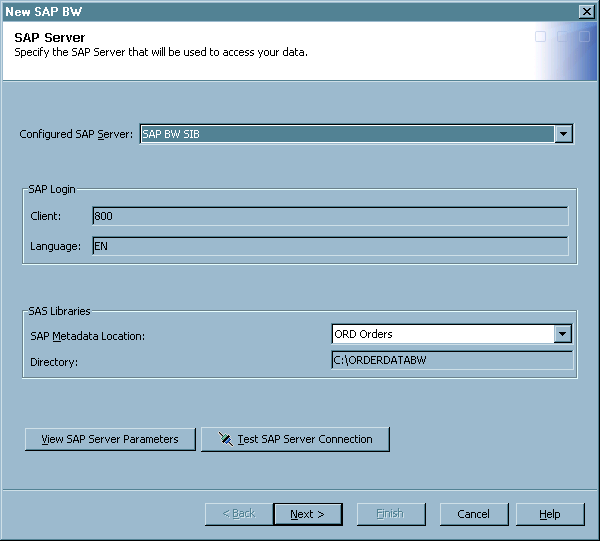
SAP Server Page
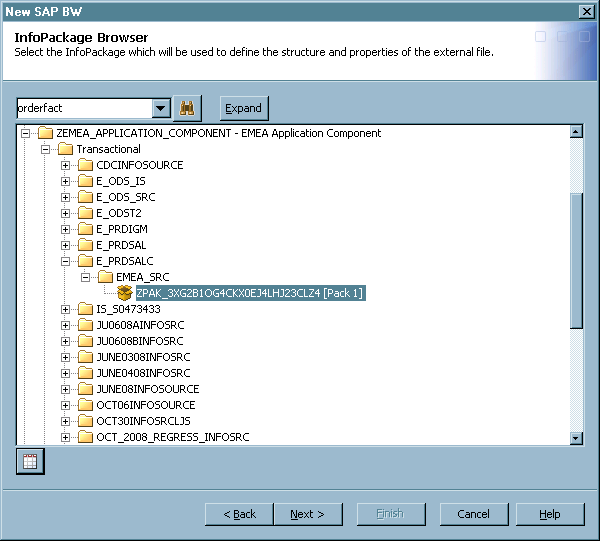
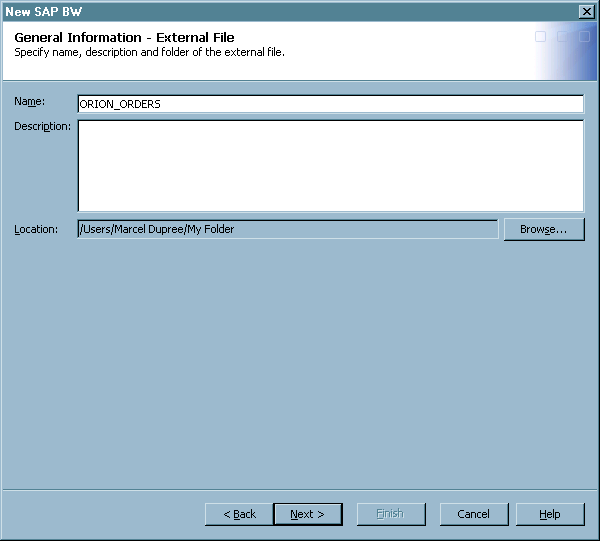
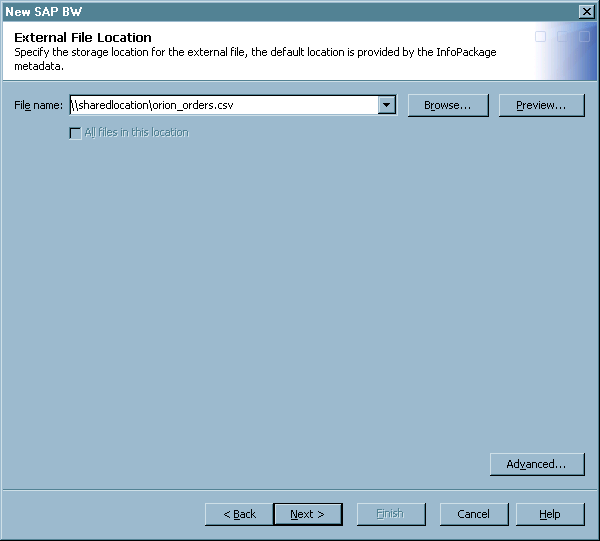
External File Location Page
Use this page to specify
the location for the external file that you created with the wizard. For more information, see External File Location Page.
General Information - Job Page
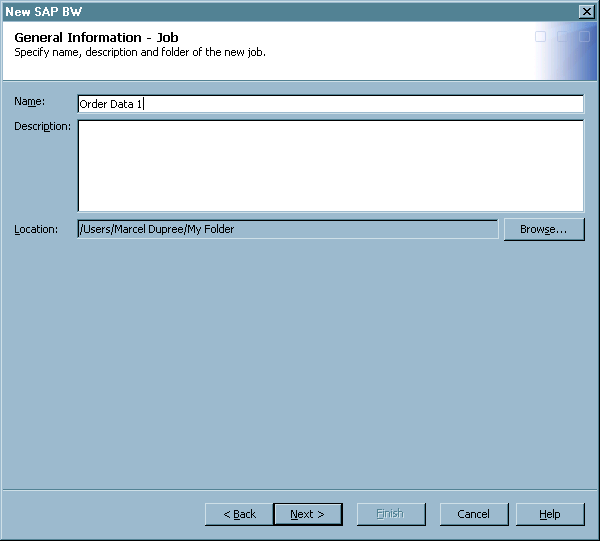
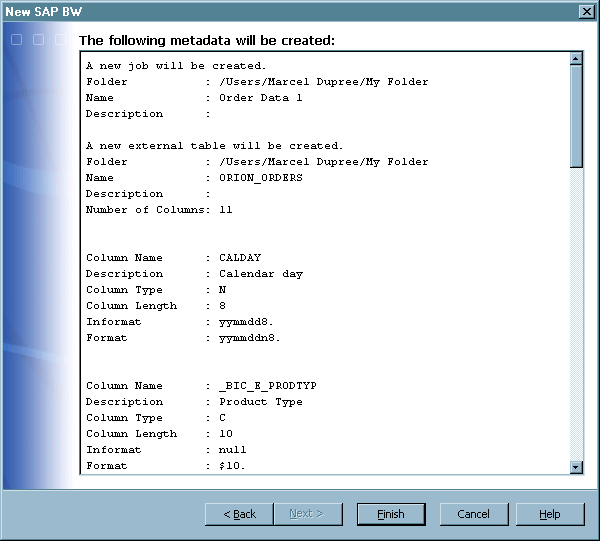
Review the Job
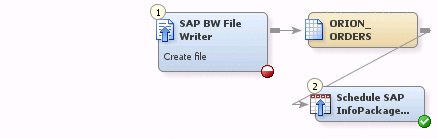
The process flow diagram
for the job that you created in the New SAP BW wizard displays. The Schedule SAP InfoPackage transformation is part of the job because the external file destination
in the InfoPackage is the SAP Application Server and the scheduling
data in the InfoPackage is Immediate Update.
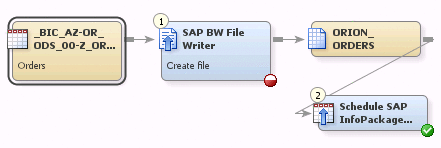
Verify Mappings and Settings
Verify the mappings
between the source and target tables by right-clicking the SAP BW File Writer transformation and selecting Properties. Then select the Mappings tab in the Properties window, as shown
below.

Make sure that each
column in the source table is mapped to the corresponding column in
the target table. When you have finished, click OK. The icon in the bottom right of the SAP BW File Writer transformation
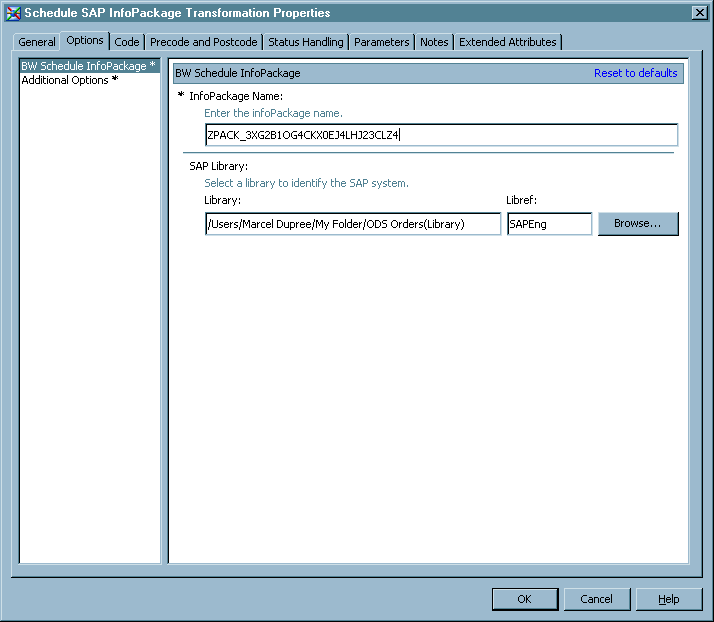
icon becomes a green check mark. Then right-click the Schedule SAP InfoPackage transformation and select Properties. Last, select the Options tab in the Properties window, as shown below.

Examine the Data and the Log
It is a good practice
to right-click the .csv target table and select Open to review the output of the job. You should also examine the log
that the job generated. If you scheduled a job like this with the
Schedule SAP InfoPackage transformation, the next to last entry in
the log should confirm that a REQUESTID was generated for the load.
Also, the final entry in the log would suggest that you check the
status of the data load by passing the REQUESTID to an SAP administrator.
Of course, other scenarios generate different log messages.
Copyright © SAS Institute Inc. All rights reserved.