SAS Institute. The Power to Know

SAS/GRAPH(R) 9.2: ODS Graphics Editor User's Guide

Working with Multi-Cell Graphs

A graph can contain multiple cells, each cell with one or more plots. For a visual description of graphs and cells, see Components of a Graph.
Multi-cell graphs can be created in different ways:
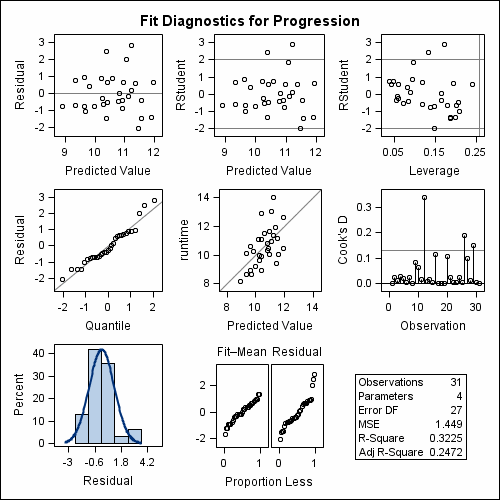
  • A multi-cell graph can be defined using a GRIDDED or LATTICE layout. Each cell is defined independently and can contain different types of plots.
    Multi-cell graph with
independent cells
    You can modify plot properties separately for each cell. For example, you can specify a different wall color for each cell.
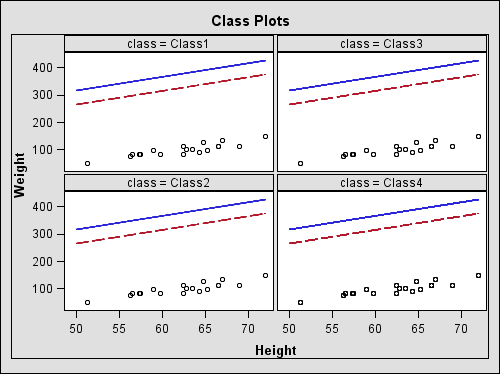
  • A multi-cell graph can be defined using a DATALATTICE or DATAPANEL layout. Both layouts are data-driven layouts that create a grid of cells based on a graph prototype and one or more classification variables. A separate cell is created for each combination of the classification variables (crossing).
    Multi-paneled graph, data-dependent
    When you change the plot properties for one cell, the change is applied to all the cells of the graph.
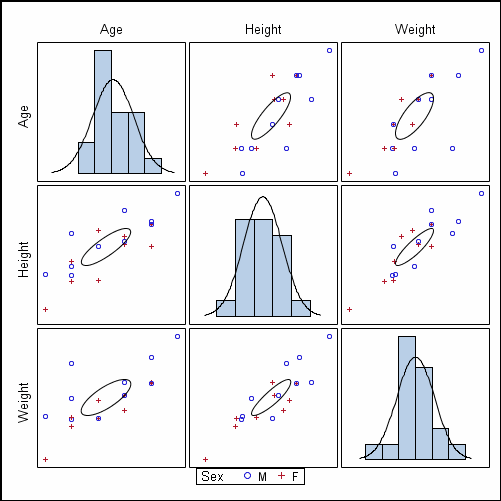
  • A multi-cell graph can be created by using a SCATTERPLOTMATRIX layout.
    multi-cell graph using
SCATTERPLOTMATRIX
    You can edit the cells as follows:
    • The diagonal cells might have a distribution plot. These cells and are not editable.
    • The contents of each non-diagonal cell are the same. When you change the plot properties for one of these cells, the change is applied to all non-diagonal cells. (The wall and outline properties apply to all cells.)
    • The axes are not editable.