SAS Theme Designer 4.6 for Flex enables you to export a
theme. You can export a custom theme from SAS Theme Designer 4.6 for Flex
to a specific folder.
To export a custom theme, follow these steps:
-
From
the main menu of the SAS Theme Designer 4.6 for Flex, select
Tools
Export Theme.
-
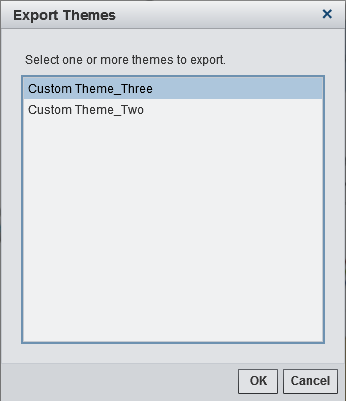
Select the theme that you want to export. Click
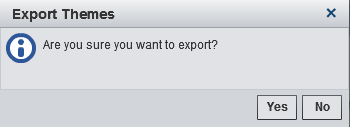
OK. A second window
is displayed. Select
Yes.
-
Navigate to the folder where you want the theme to be exported.
-
If desired, modify the filename for the theme, and click
OK.
The theme is exported and saved with a .tdf file extension.
Note: For locales other than English,
the default, export file name is translated to a default filename
specific to that locale.