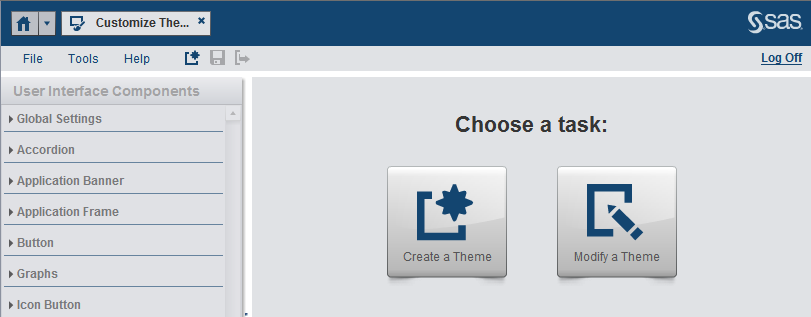
When you open SAS Theme Designer 4.4 for Flex,
you can choose to create a new custom theme or to modify an existing
custom theme. To modify an existing custom theme, click the
Modify
a Theme button on the initial screen.
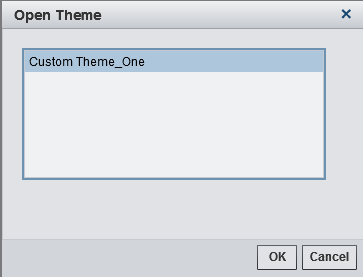
The
Open
Theme window appears. Select the custom theme that you
want to modify and select
OK.
The custom theme is
then loaded and you can now make changes to the theme.