Summary Portlet Examples



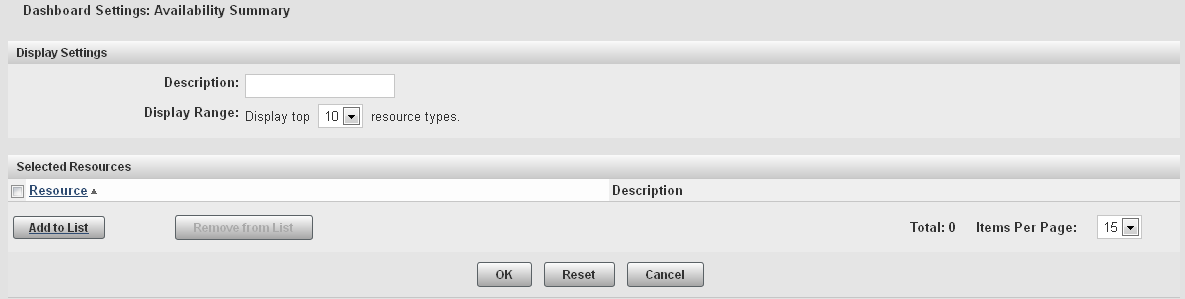
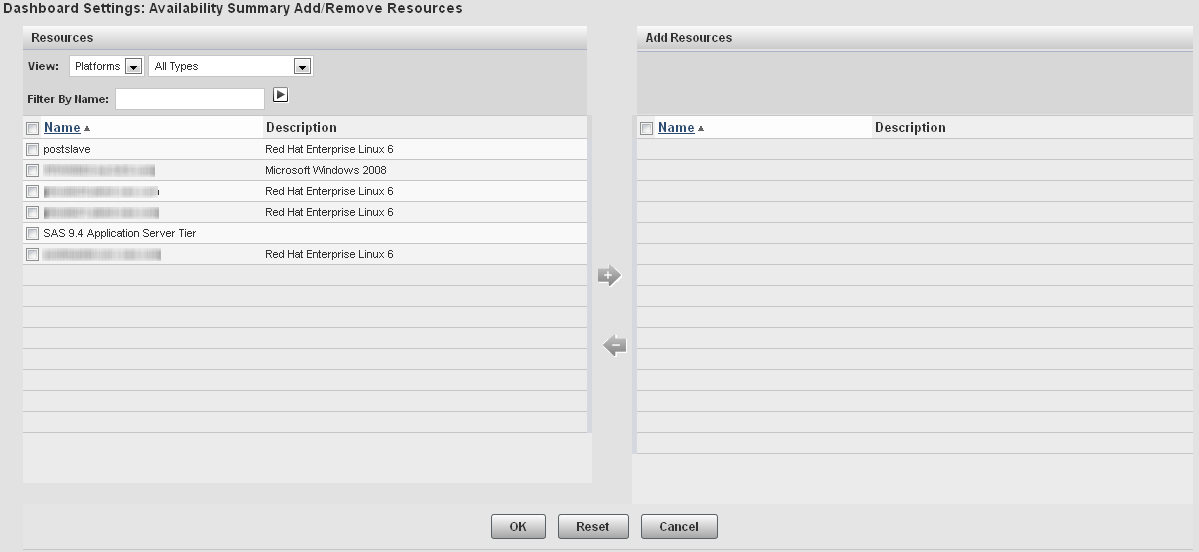


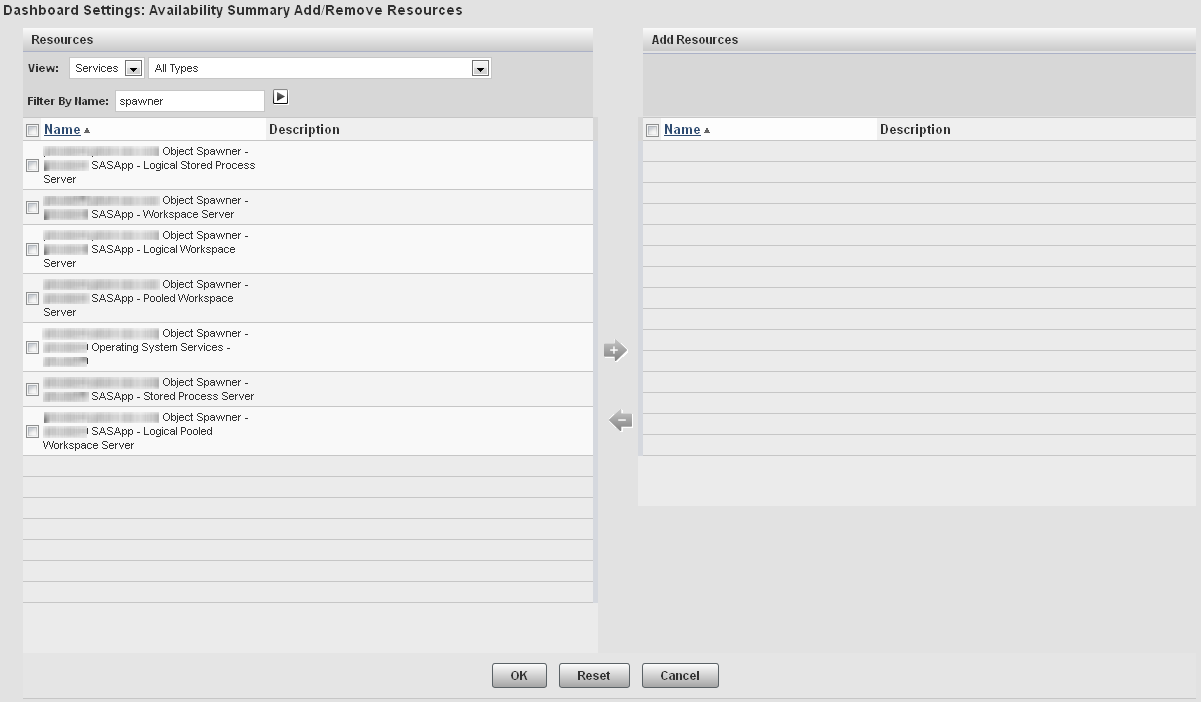
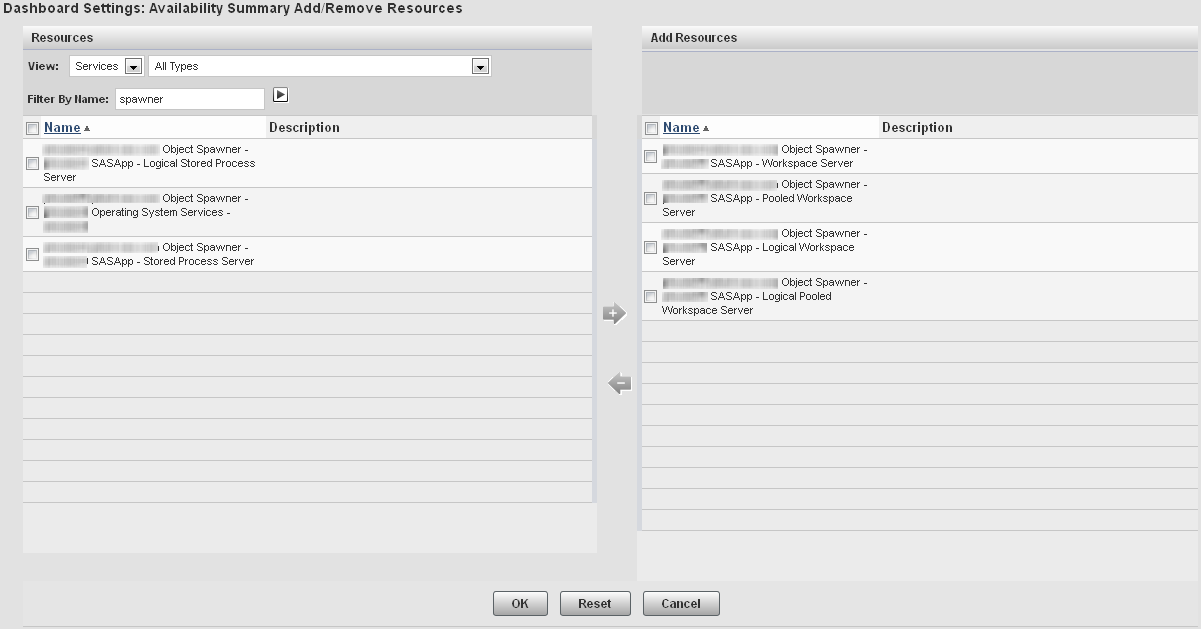
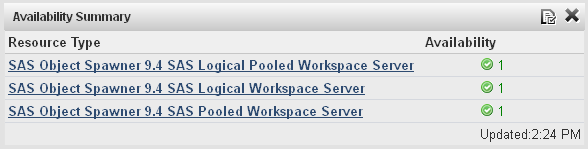
Example: Adding a Summary Portlet for SAS Servers That Can Be Spawned
This example explains
how to add a portlet to your Dashboard page
that monitors the availability of SAS Workspace Servers that are running
under a SAS Object Spawner.
-
Follow the basic procedure for creating an availability summary portlet in Adding Summary Portlets. Follow the basic procedure for creating an availability
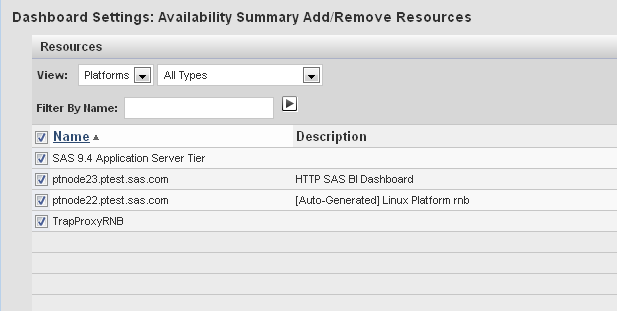
Example: Adding a Platform Availability Summary Portlet
To add a portlet to
monitor the availability of all of the platforms in the environment,
follow these steps:
-
Follow the basic procedure for creating an availability summary portlet in Adding Summary Portlets.
Copyright © SAS Institute Inc. All rights reserved.