CAUTION:
One ACT
can protect thousands of objects. Changes that you make to an ACT's
pattern affect every object that ACT is applied to.
To update an ACT, follow
these steps:
Locating an ACT
-
Access the
Administration page.
-
From the
Folders pane,
navigate to
SAS Folders SystemSecurityAccess Control Templates
.
-
Find the ACT that you
want to update.
Modifying an ACT
-
Right-click the ACT
and select
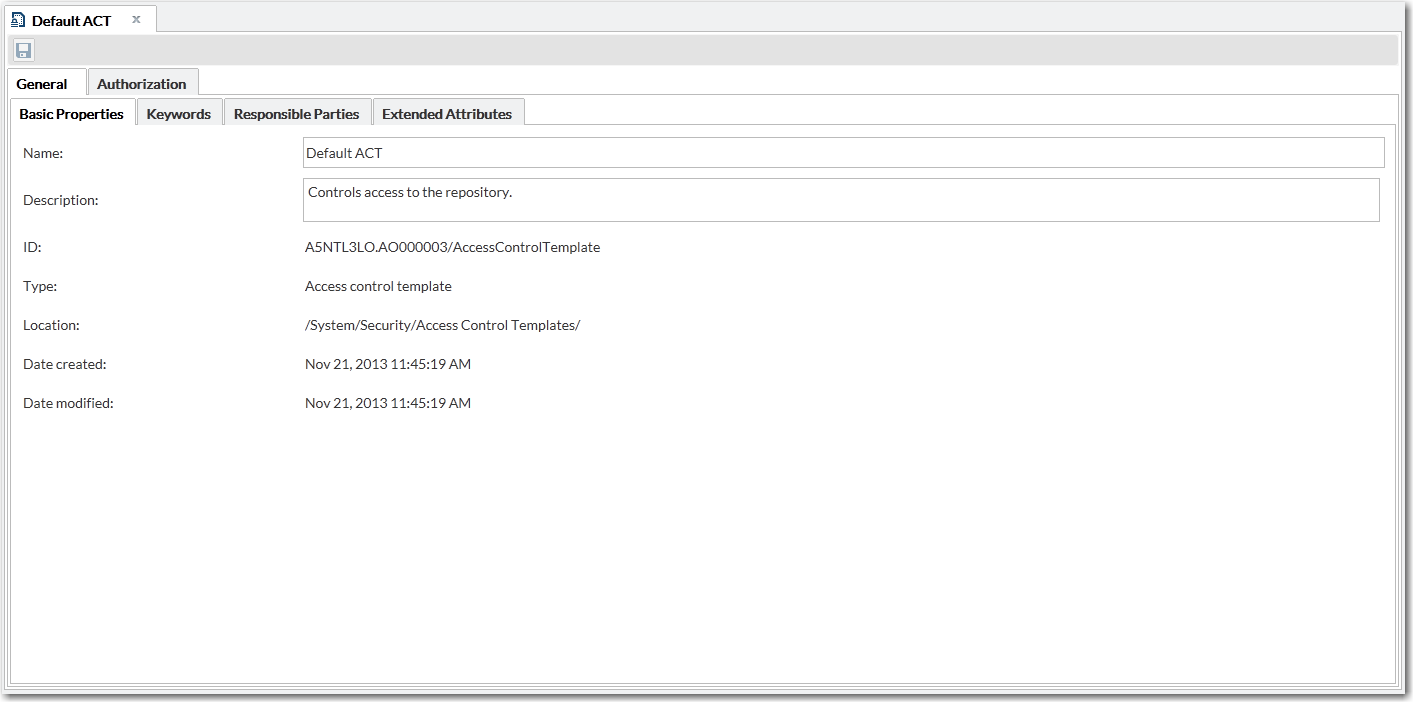
Open. A window similar to the
following is displayed:
-
To understand the potential
impact of your intended changes, examine the ACT’s
Usage tab.
-
To modify the ACT's
pattern:
-
Adjust settings on the
Basic tab.
-
In the toolbar at the
top of the tab, click

.
-
(Optional) Navigate
to an object that uses the ACT and verify that the revised settings
are as you expect.
Note: To delete an existing ACT,
use SAS Management Console. For more information, see
SAS Management Console: Guide to Users and Permissions.