
| Overview of ADX |
Exiting ADX
When you are finished working with a design, close the main design window. A Message dialog box appears to ask if you want to save the changes to the design permanently.
To save your design with the response values entered, follow these steps:
- Click Yes.
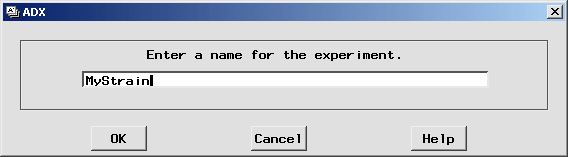
- Type MyStrain as the name for this design.
- Click OK.
ADX adds the new MyStrain design to the open desktop folder so you can use it later.
To exit ADX, follow these steps:
- Return to the ADX desktop.
- Select File
 Exit ADX or close the desktop window.
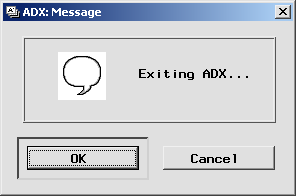
- A confirmation dialog box appears. Click OK.
- To exit the SAS System, select File Exit.
Congratulations! You have just analyzed your first experiment with the ADX Interface.
Copyright © 2008 by SAS Institute Inc., Cary, NC, USA. All rights reserved.